From Dashboard to Site page
The starting screen of the new App is a Dashboard of all the sites you have access to. You can have multiple devices on the same site, and multiple sites for each company (different buildings for example). A user has either access to a select few sites or all the sites of the company.
The Site Card
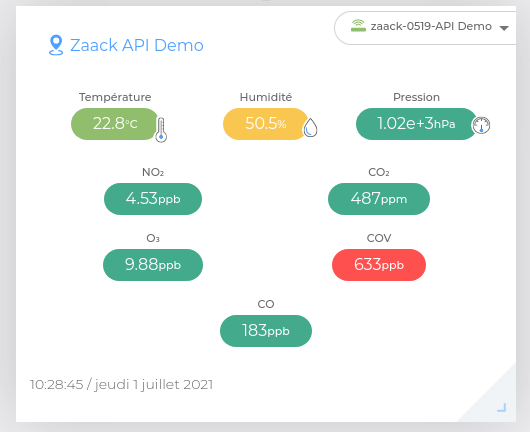
Each of your sites is displayed as a site card and shows the latest measures of one sensor among the site's sensors.
On the example below, we are looking at the card of the site Zaack API Demo, and the device zaack-0519-API-Demo is the one selected by default.
Changing the displayed device
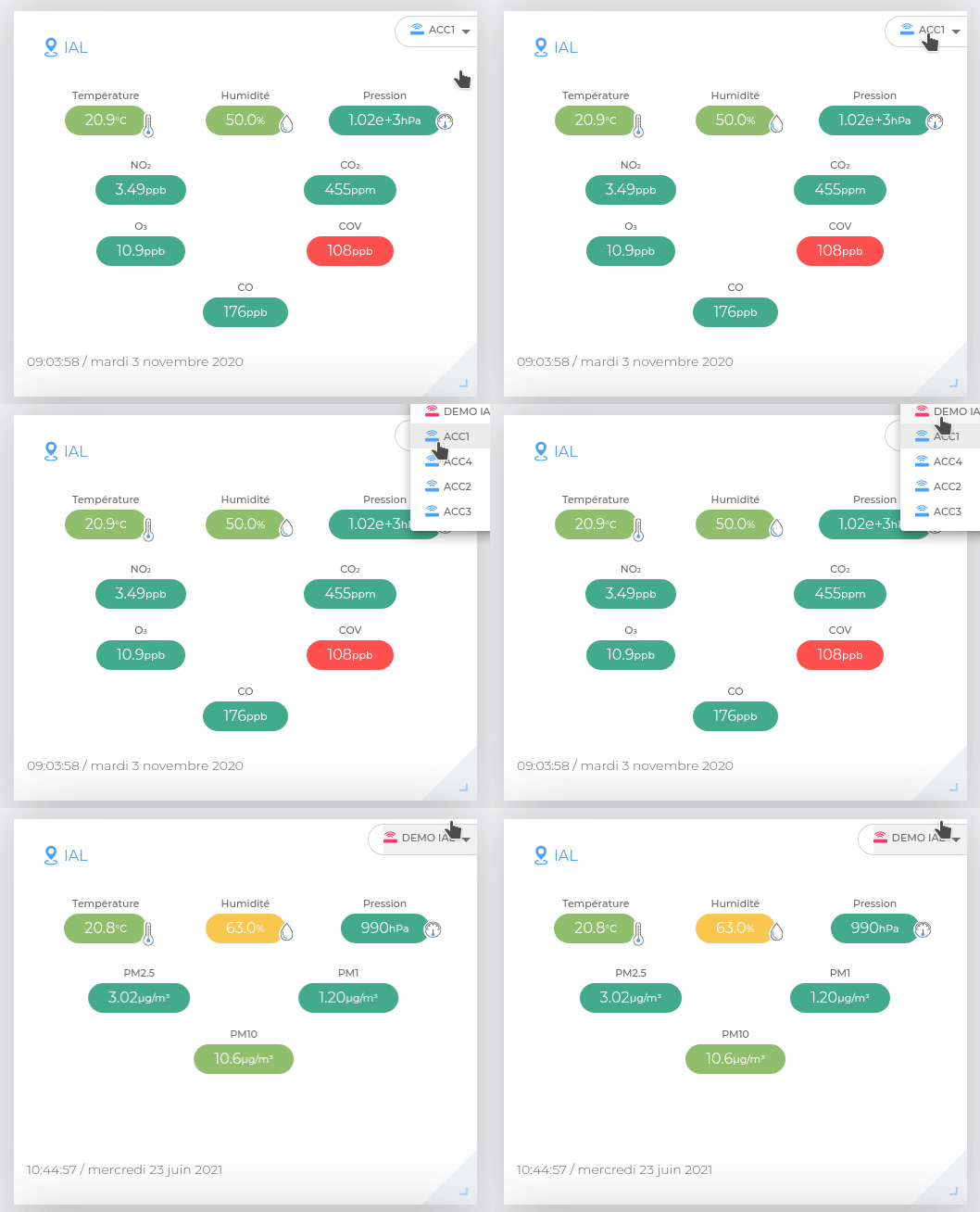
If you need to look at another device, change the view by selecting it with the top-right field.
Real-time monitoring of many sites
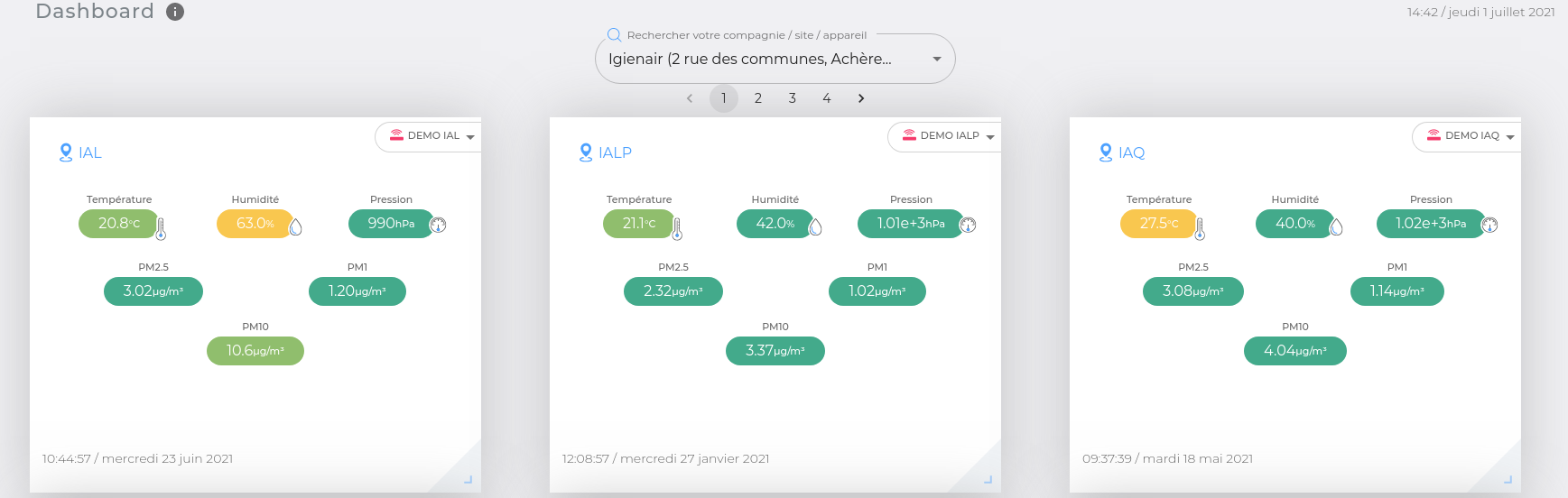
The Dashboard view is very useful for users with many rights and give them the opportunity to monitor different sites on the same screen.
Opening the site page
"Ok, but what if I would rather like to see all the devices of a single site at the same time?"
Yes, for some situations where there are not as many companies and sites, and when users have only one site to monitor it is much more valuable to quickly see the devices of the site without selection.
You can click on the name of the site at the top-left of the site card. It is a link to the site page.
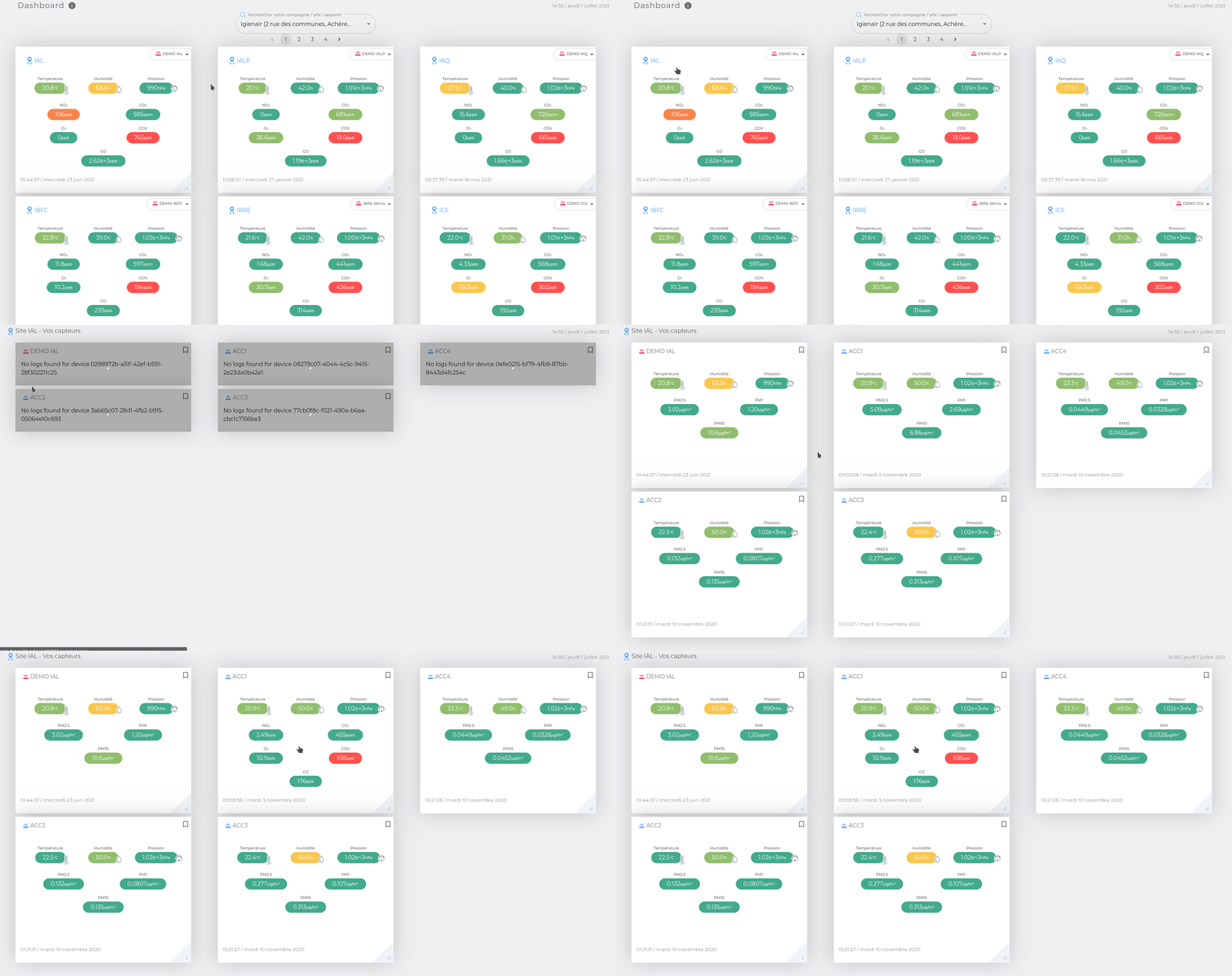
The site page is bookmarkable🔖, and you can come back to it whenever you need to.